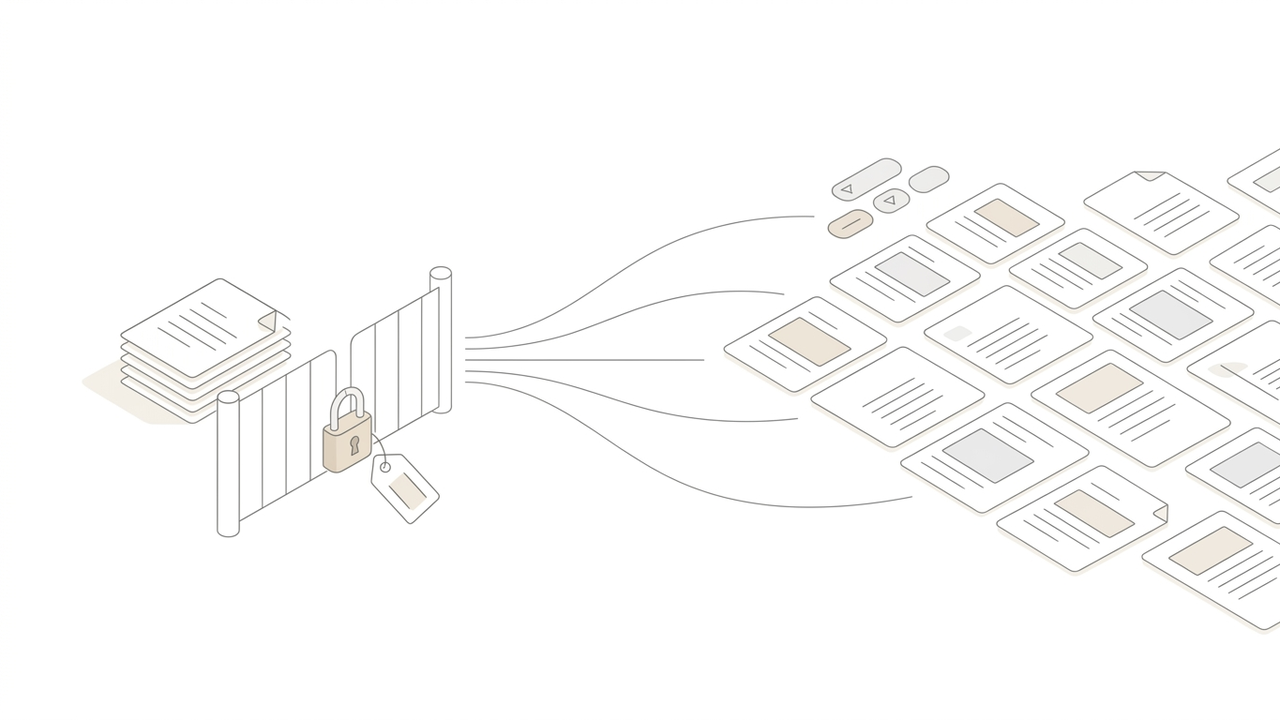
AI Grades Handwritten Exams, Too — the Exam Paper Grader & Tally for Academies and Secondary Teachers
Grading dozens of answer sheets by hand, tallying question by question, and writing student records at term's end. The Exam Paper Grader & Tally lets you scan and upload handwritten answers, and AI does the grading, tallying, and record drafts. A tool for academies and secondary-school teachers.
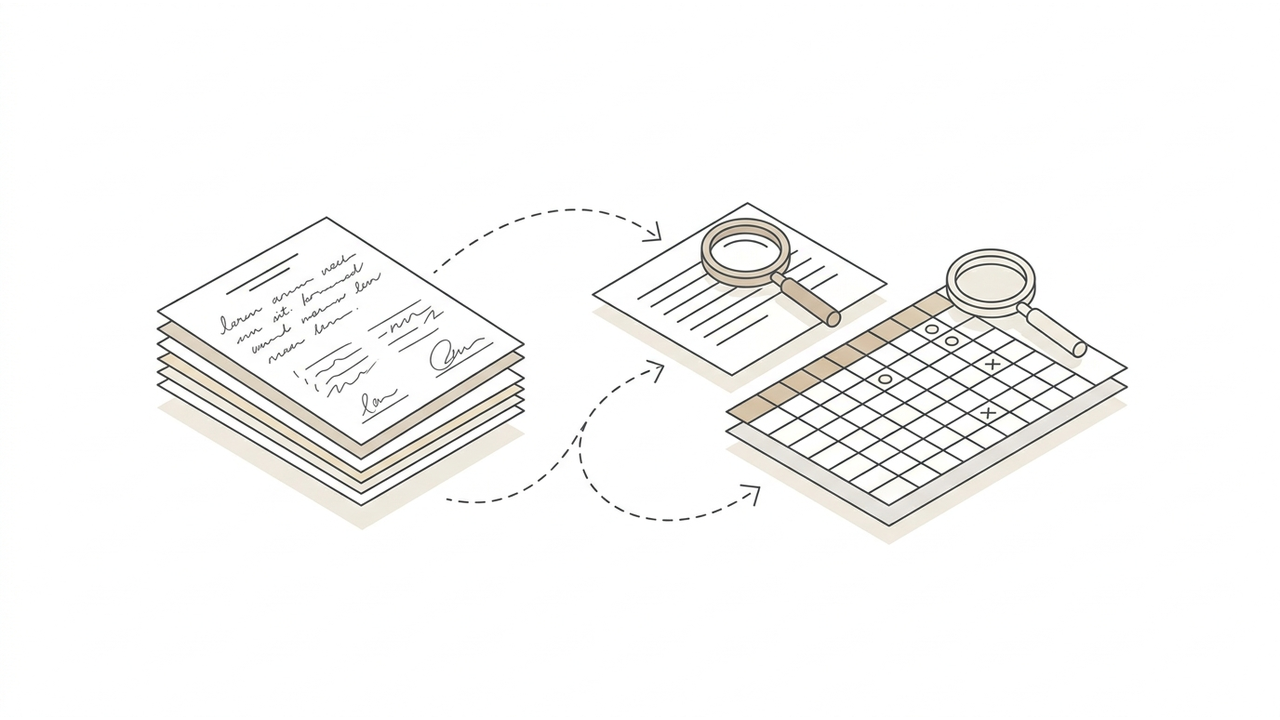
The real work starts after the exam ends. You flip through dozens of answer sheets and grade them in red pen one by one, tally into a spreadsheet how many students got each question right, and at term's end write a student-record note (Saeteuk) for every single student. That is why grading and paperwork can feel longer than teaching itself.
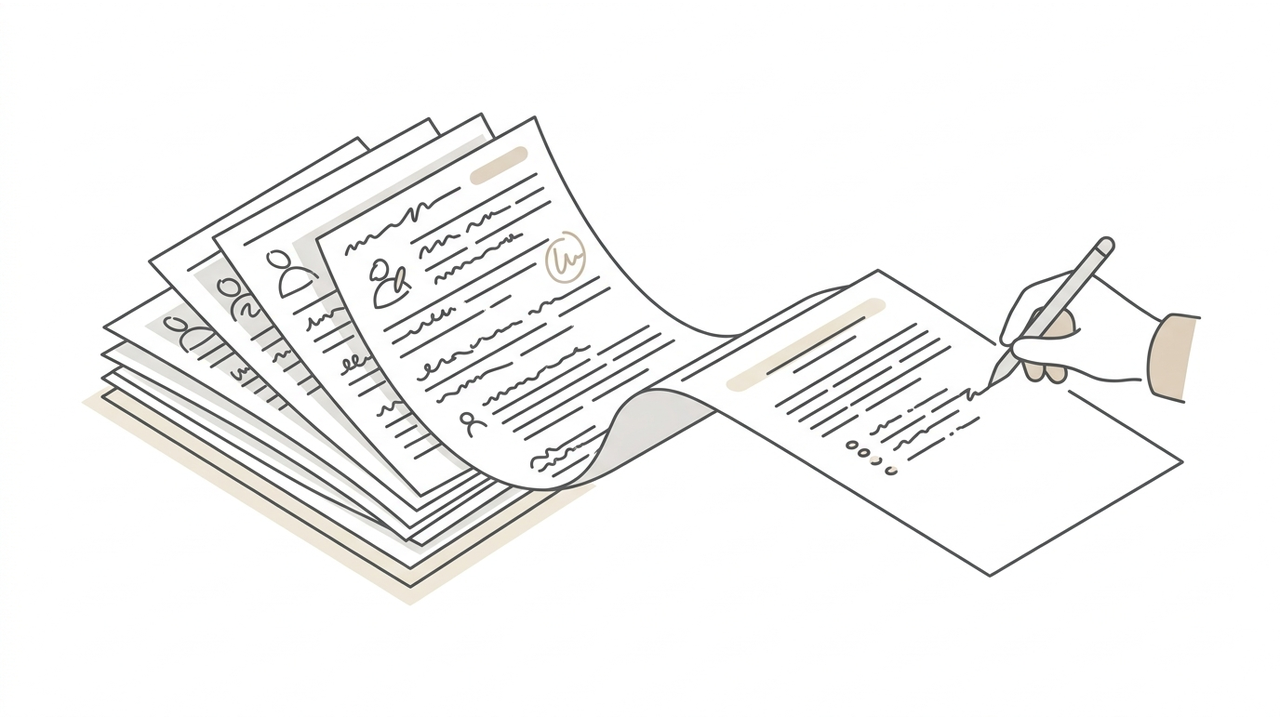
So we built a tool for exactly that. Just scan and upload the handwritten answer sheets, and AI reads them, grades them, and even builds the tally table—the Exam Paper Grader & Tally. Designed for academies and secondary-school teachers, it handles grading from start to finish on a single screen.
It reads handwriting, too
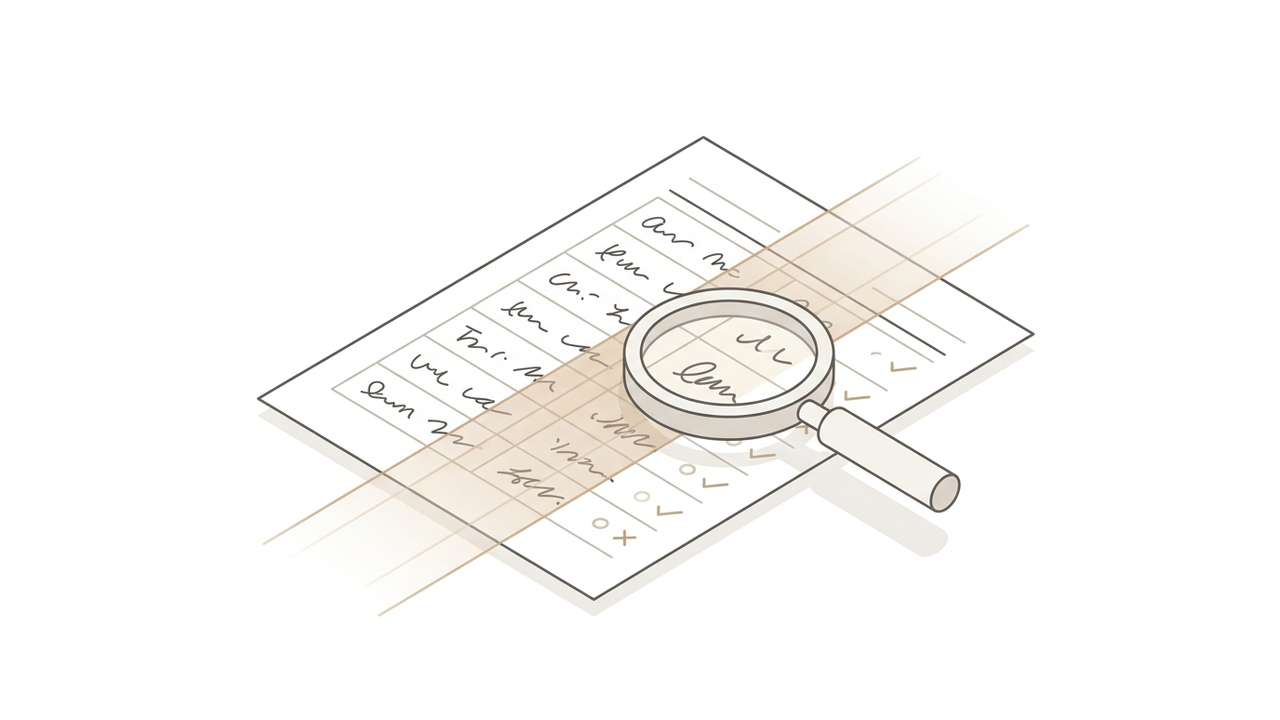
Handwriting is the biggest hassle. The Exam Paper Grader & Tally reads scanned answer sheets with an AI vision model (choose Claude or Gemini), transcribes what each student wrote, and evaluates it against your achievement standards. Beyond multiple choice, it understands short written answers and lays them out with grading rationale. Even faint handwriting or crooked lines are understood in context, the way a person would.
Objective questions are tallied automatically—and grading slips are caught
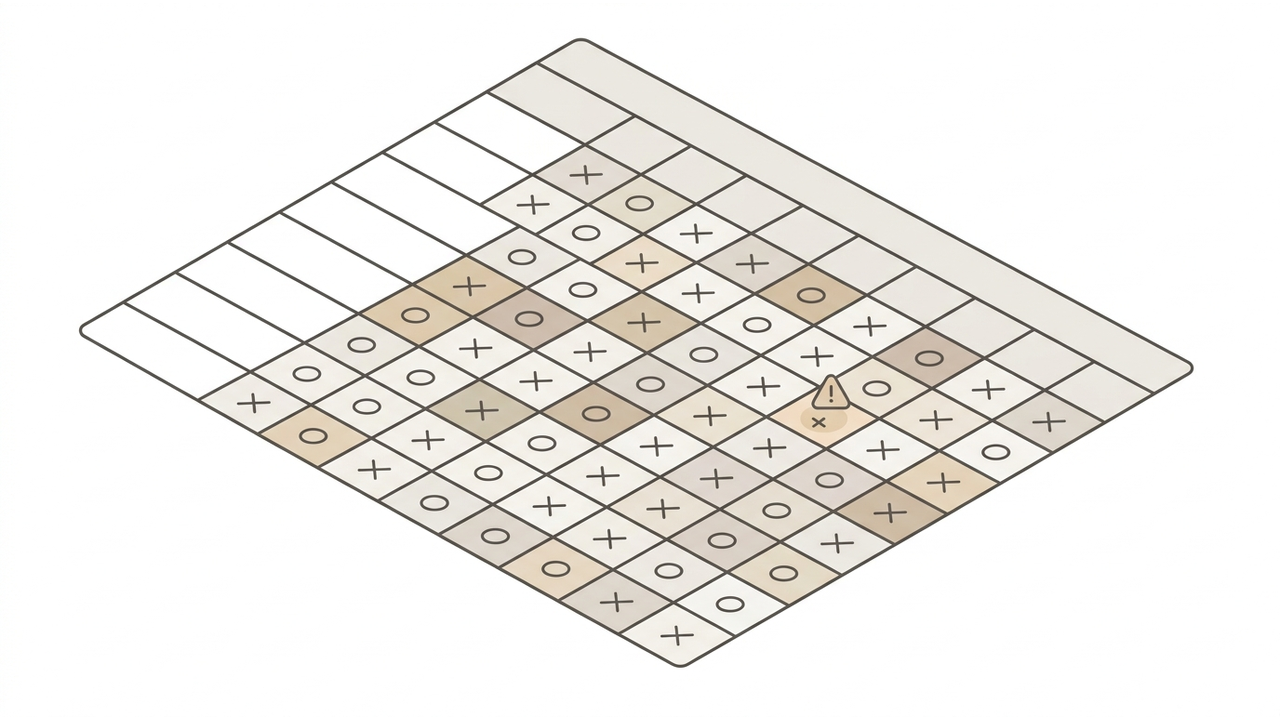
That is why "Tally" is in the name. Once grading is done, a table with questions as columns and students as rows is built automatically. Each cell is filled with the student's chosen answer and correct/incorrect (O/X). It even reads the red-pen marks the teacher made (circles, slashes, diagonal lines, X), so you never re-enter results by hand.
There is one more thing. Based on the answer the student actually chose, the AI independently judges once more and flags with a ⚠ mark any question where its verdict differs from yours. The system catches the slips you missed while grading in a hurry.
Even student-record drafts—so term's end gets easier
Secondary teachers know the burden of writing student-record notes (Saeteuk) at term's end. The Exam Paper Grader & Tally creates a per-student record draft from the grading and evaluation results. Set a sample sentence for tone and a character limit in advance, and you get drafts grounded in the actual answers—not boilerplate that only swaps the student's name. They are a "good starting point to revise from," not finished text, so review and light edits save a lot of time.
How academies and secondary teachers use it
- Academy regular tests — Scan and upload a whole class's answer sheets at once, and per-question accuracy and per-student scores are organized into a table. Spot the questions many got wrong and use them in supplementary lessons.
- Secondary written & performance assessment — Evaluate written answers against achievement standards and keep the grading rationale. Secure both consistency and supporting evidence.
- Objective tally & verification — Eliminate manual tallying and filter grading slips with ⚠ to raise the reliability of scores.
- Records & feedback — Move up end-of-term records and parent feedback with drafts grounded in real answers.
One scan, from the start of grading to the end
Grading is part of teaching, but the transcribing, tallying, and recording that follow are not. The Exam Paper Grader & Tally takes over the repetitive cleanup so you can focus on what people do best—teaching and judging. Build your subject templates and achievement standards once, and from the next exam you simply scan and upload.
Meet the Exam Paper Grader & Tally in GREND's Education category. From individual teachers to academies, you can start with the exam you gave today.